
50 AI Prompts That
Can Save You 5+ Hours
a Week
Ready-to-use prompts for emails, meetings, planning, research, and everyday work.
GET ALL 50 PROMPTS FREEFree • No sign-up • Instant access
*Estimated. Actual time saved depends on your work and how often you use the prompts.
AI is fast. Knowing what to ask isn’t.
We use AI to draft emails, prep for meetings, summarize information, and plan projects. All the small tasks that fill a workday.
But opening an AI assistant doesn’t make the work easier by itself. You still have to explain what you need, add context, describe the output, and often rewrite the request when the first answer misses.
The quality of an answer depends on the instructions you give. Clear, specific prompts with a goal, audience, context, and format get better results. That’s exactly what ready-to-use prompts provide.
Start with a structure that already works, then adapt it to the task in front of you.
01Emails & Communication
Spend less time writing and rewriting messages
Email quietly eats time all day: you write, reread, shorten, adjust the tone, then rewrite the opening again. AI can handle that first pass, especially when the prompt already sets the purpose, recipient, and tone.

Sneak peek6 of 50 prompts
- Writing a clear email from rough notes
- Shortening a long message
- Adjusting the tone
- Replying to a difficult email
- Following up without sounding pushy
- Asking for something politely and clearly
Instead of “make this email better,” give AI a specific job: shorter, same key details, friendlier tone, clear next step.
02Meetings & Follow-Ups
Turn conversations into clear next steps
The meeting itself is rarely the whole job. Before it, there’s an agenda to prepare. After it, someone has to summarize, capture decisions, and send a follow-up. These repetitive tasks are perfect for reusable prompts.
Sneak peek5 of 50 prompts
- Drafting a meeting agenda
- Summarizing meeting notes
- Identifying key decisions
- Turning notes into action items
- Writing a follow-up email
Turn messy notes into something you can act on: decisions, owners, deadlines, and next steps.

03Planning & Productivity
Turn an overloaded to-do list into a workable plan
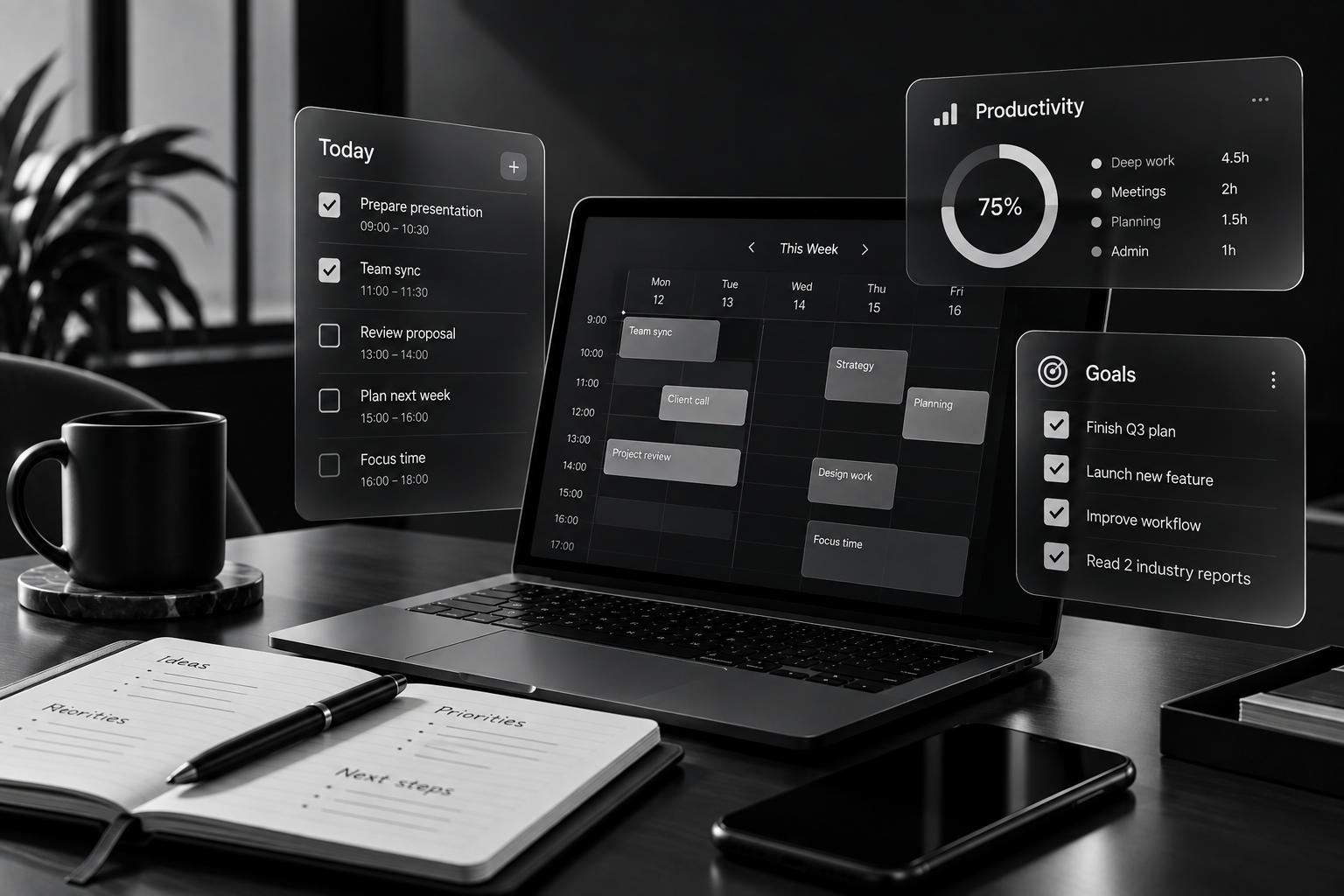
Often the problem isn’t too much work. It’s deciding what to do first. AI can turn a long list into a plan: group related tasks, set priorities, and break big projects into realistic steps.
Sneak peek7 of 50 prompts
- Building a daily schedule
- Planning your week
- Prioritizing tasks
- Breaking a large project into smaller steps
- Organizing an overloaded calendar
- Deciding what to delegate
- Turning goals into an action plan
The point isn’t to let AI run your calendar. It’s to offload the organizing you do before the real work starts.
Spend less time figuring out what to ask
Pick a prompt, add your details, and go.
GET ALL 50 PROMPTS FREE04Research, Writing & Ideas
Get from a blank page to a useful starting point faster
The hardest part is often knowing where to begin. AI can help you explore a topic, compare options, outline an idea, or produce a first draft to refine.
Sneak peek8 of 50 prompts
- Researching a new topic
- Summarizing long documents
- Comparing options
- Creating a first draft
- Brainstorming ideas
- Polishing a draft
- Outlining a presentation
- Spotting questions you may have missed
AI doesn’t need to give the final answer to be useful. Often its best job is getting you from nothing to something you can improve.
.png)
Copy. Customize. Use.
No setup. No prompt-engineering skills. Just three steps.
01 · Copy
Pick the prompt closest to your task. It doesn’t have to be a perfect match. It’s a starting structure.
02 · Customize
Fill in the placeholders: your goal, context, audience, and tone. More context means a sharper answer.
03 · Use
Paste it into ChatGPT, Claude, Gemini, or any other AI assistant. Review the result and refine if needed.
50 AI Prompts That
Can Save You 5+ Hours
a Week
Spend less time writing instructions and more time getting work done.
GET ALL 50 PROMPTS FREEInstant download. All 50 prompts. Ready to use.
*Estimated. Actual time saved depends on your work and how often you use the prompts.